Conceptual Approach
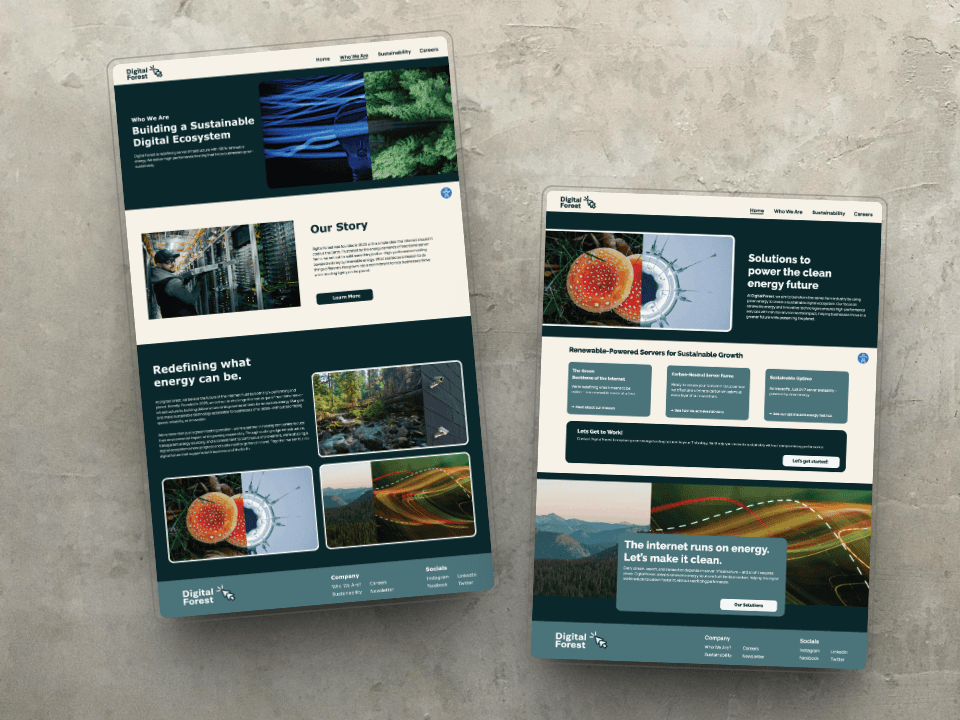
Digital Forest is a conceptual project exploring accessible web design for a fictional company. Digital Forest is a server hosting company with a a priority focus on renewable energy, with the hopes of helping businesses thrive in a greener future while preserving the planet. The goal of the project is to create a digital experience that prioritizes inclusivity, especially for users who are visually impaired or have disabilities. The project merges strong visual identity with user-first thinking, ensuring that design decisions are informed by accessibility from the ground up.
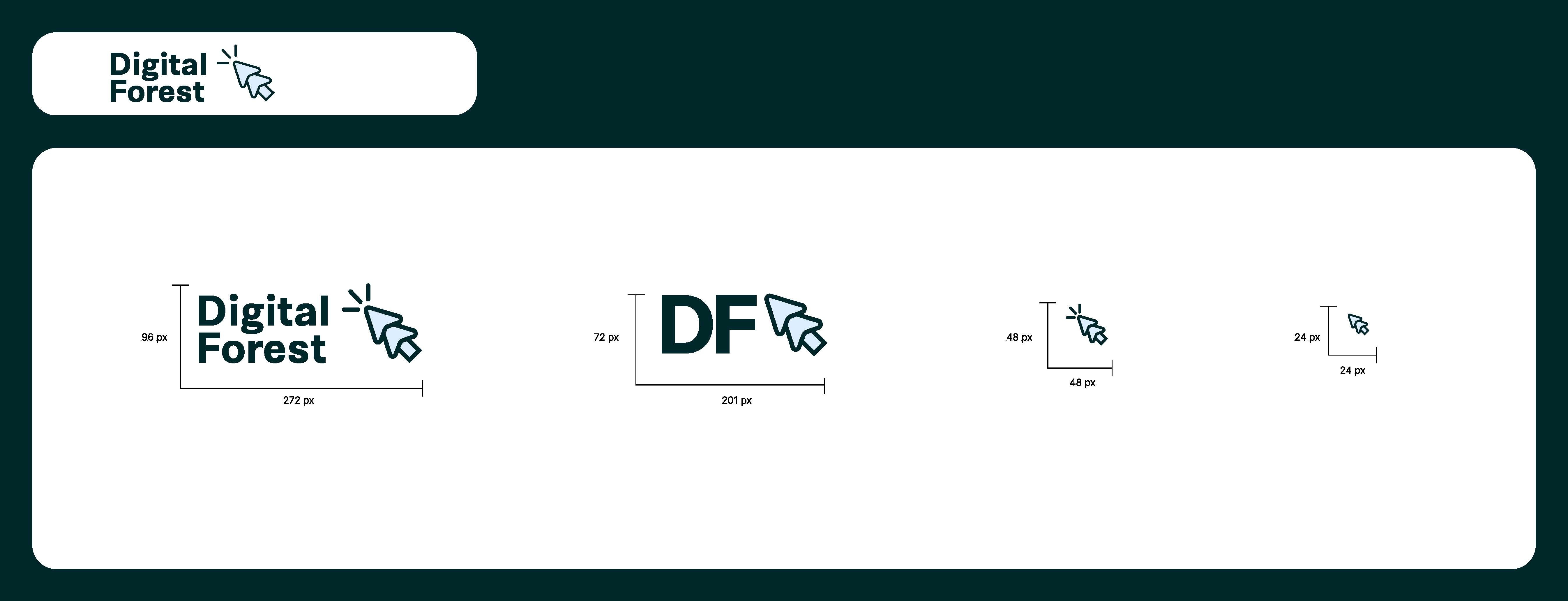
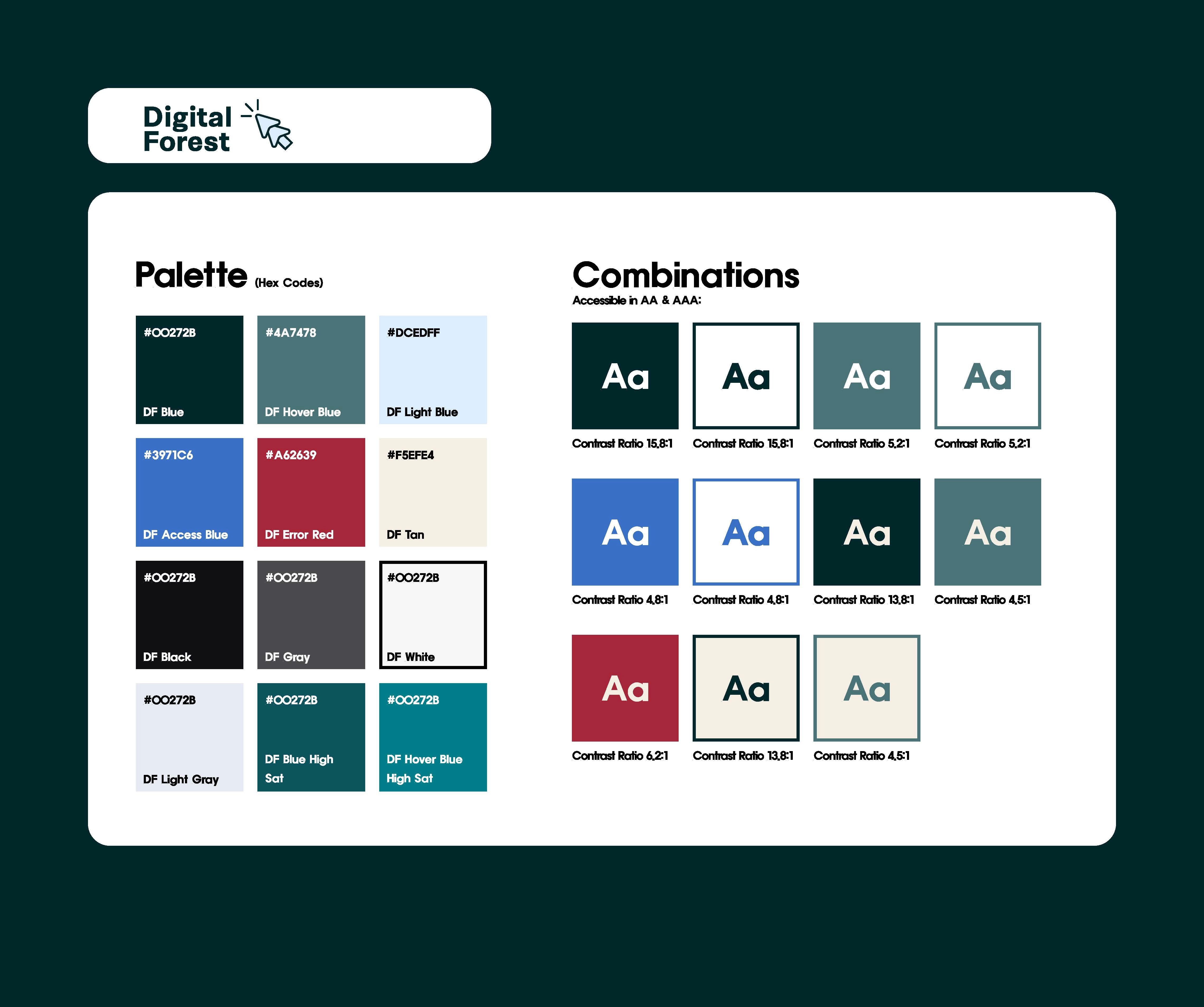
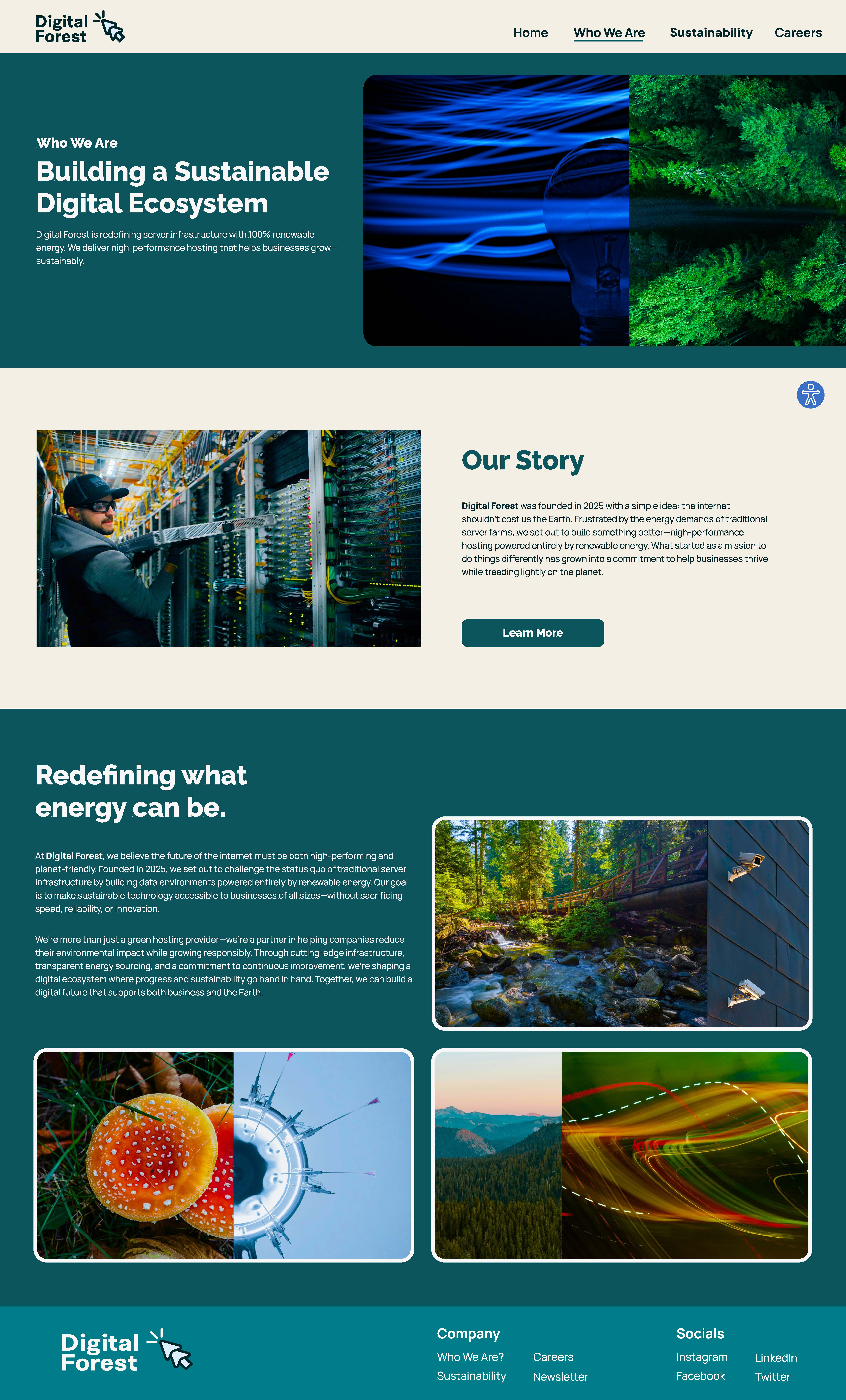
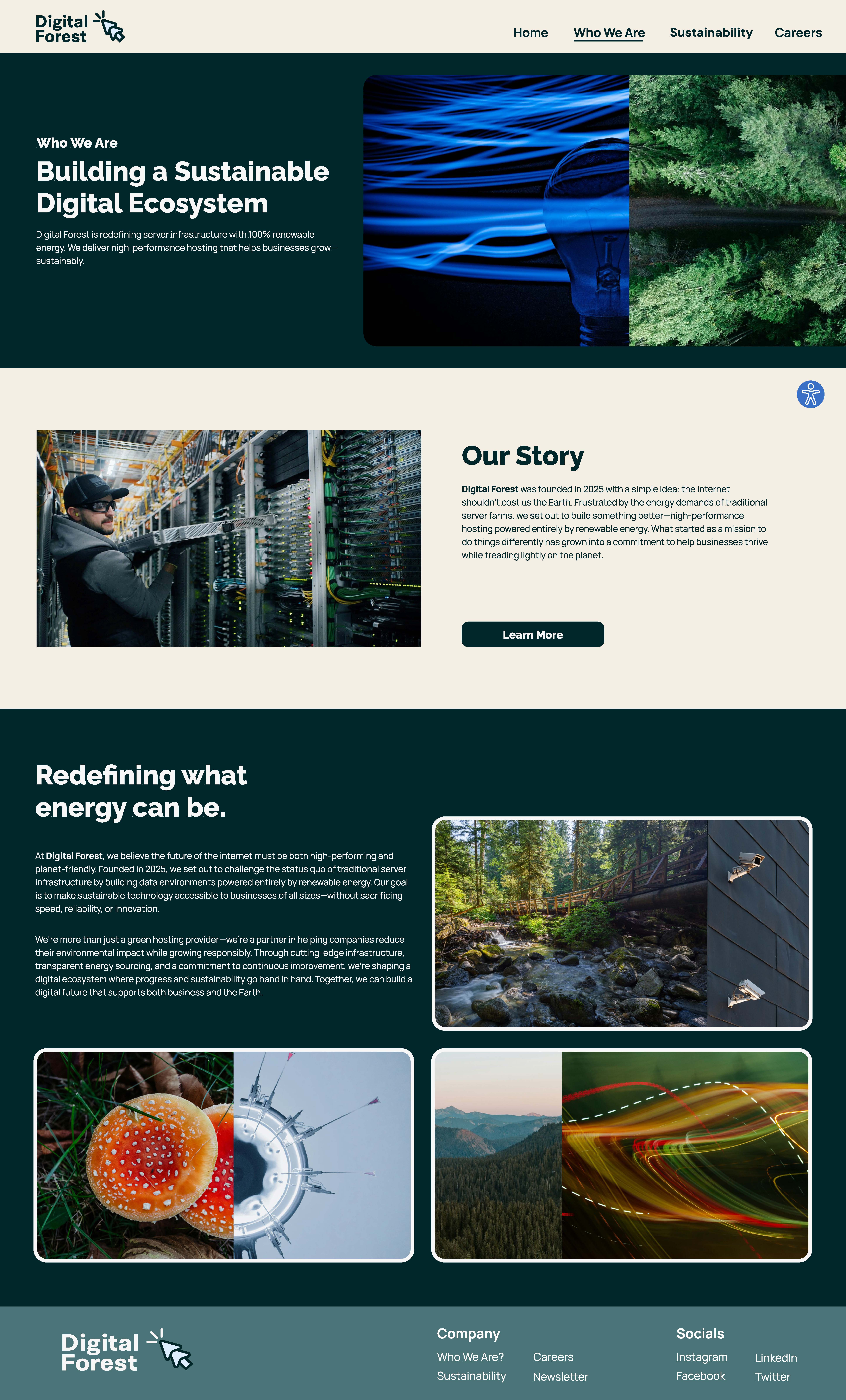
As part of the project, I developed a complete visual identity for the brand. This included designing a logo, a set of custom buttons, and a color palette that reflects the company’s values while meeting accessibility standards. I also created layered imagery that brings together digital elements—like analogue technology and digital elements—with natural textures and forest imagery. This helped build a visual language that feels both modern and environmentally conscious. The overall design aims to balance strong branding with user-first, accessible design choices.
User Values
This project was grounded in the goal of making accessibility and inclusive design a priority from the start. I wanted to create an interface that was not only functional, but also intuitive and welcoming to users of all abilities. Accessibility isn't just about permanent disabilities—it also includes temporary or situational challenges, like using a phone with one hand or reading in bright light. Designing with this in mind helps ensure the product can be used by as many people as possible, in a variety of real-world contexts.
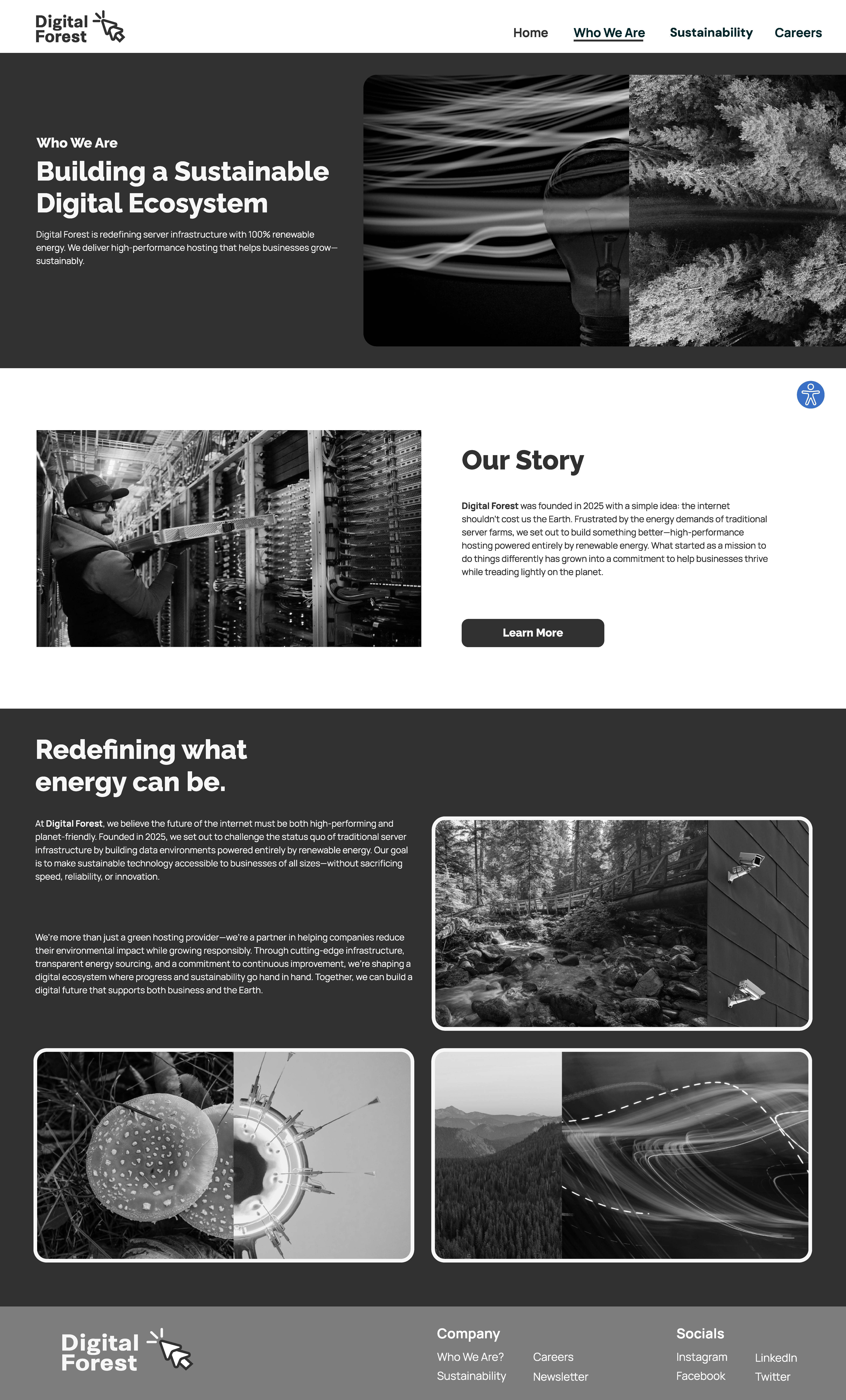
To support this, I focused on building an interface that reduced cognitive load, was easy to navigate, and minimized visual strain. I used tools like color contrast checkers and Stark, a Chrome extension that simulates different types of color blindness, to test how users with visual impairments might experience the site. These checks helped ensure the interface wasn't just technically accessible, but also practically usable.
Making a product accessible improves its overall value. For a product to be meaningful, it has to help users achieve their goals, work reliably, be usable in different situations, and provide a positive experience.
Accessibility contributes directly to this by supporting utility, emotional satisfaction, and even a sense of social inclusion. In this way, accessibility isn't just a feature—it’s a foundation for creating a more meaningful and valuable experience for all users.
Research
A significant portion of the project involved in-depth research into accessibility standards and best practices. I studied the WCAG guidelines to better understand the criteria for creating accessible web experiences and how those standards could be practically applied throughout the design process.
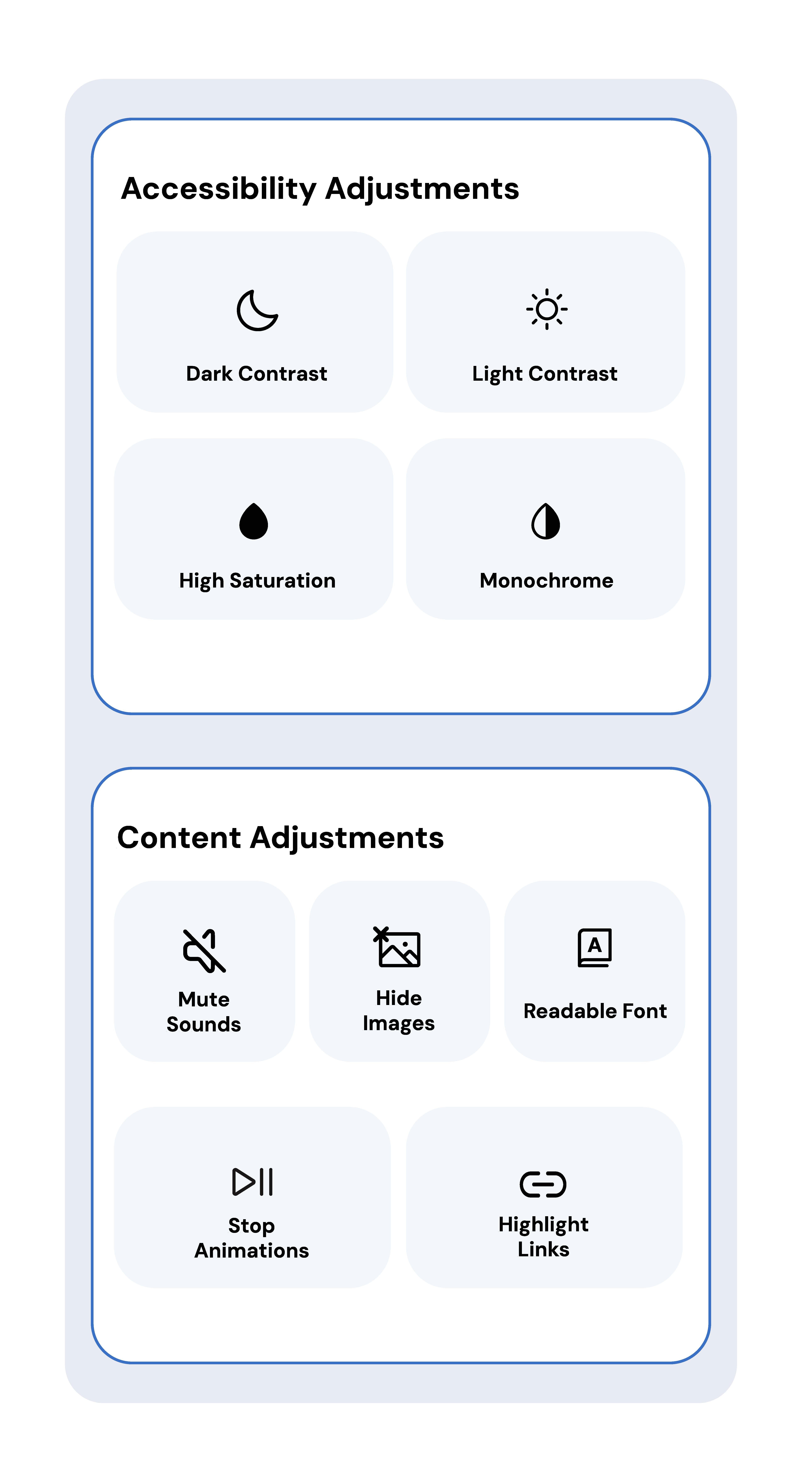
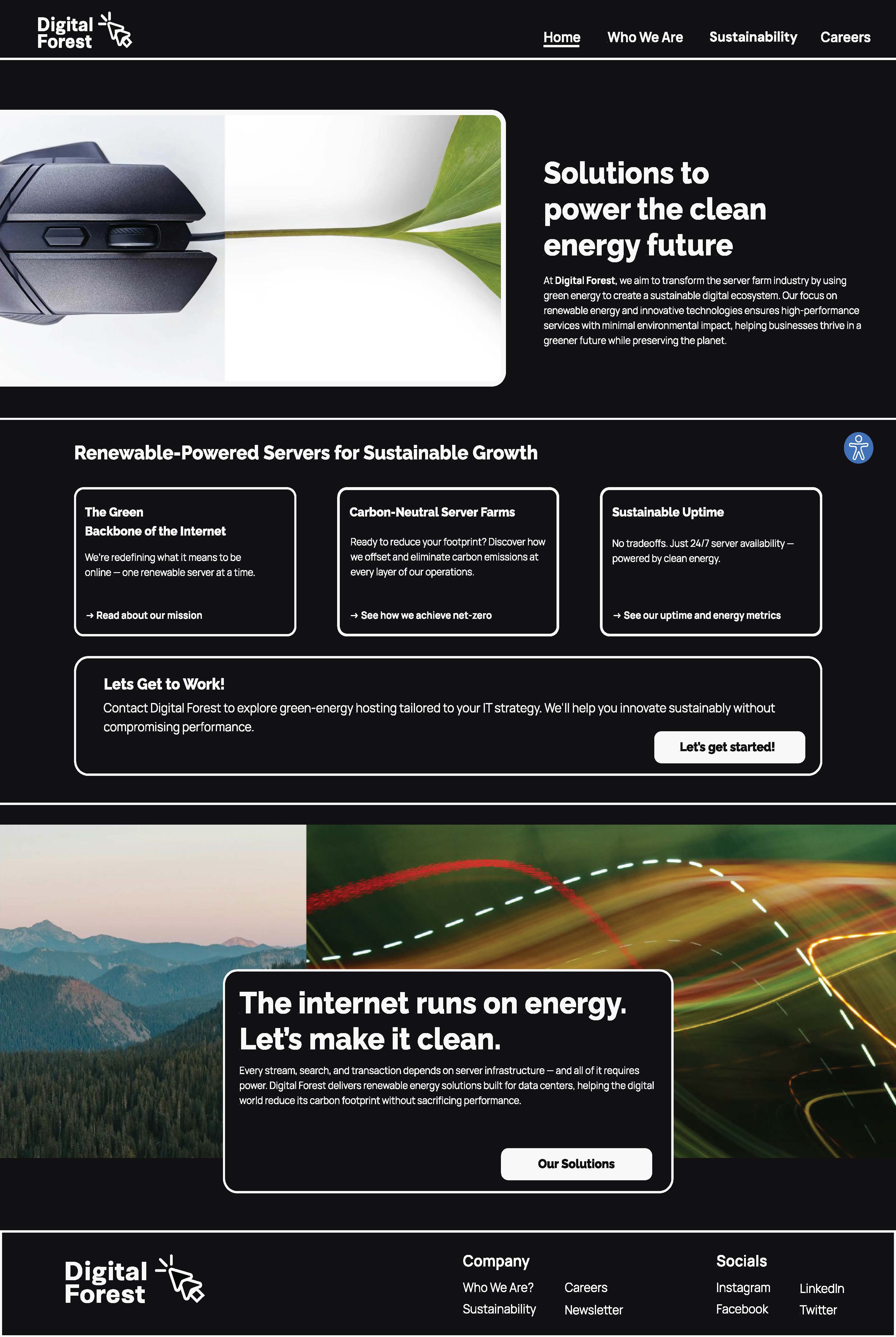
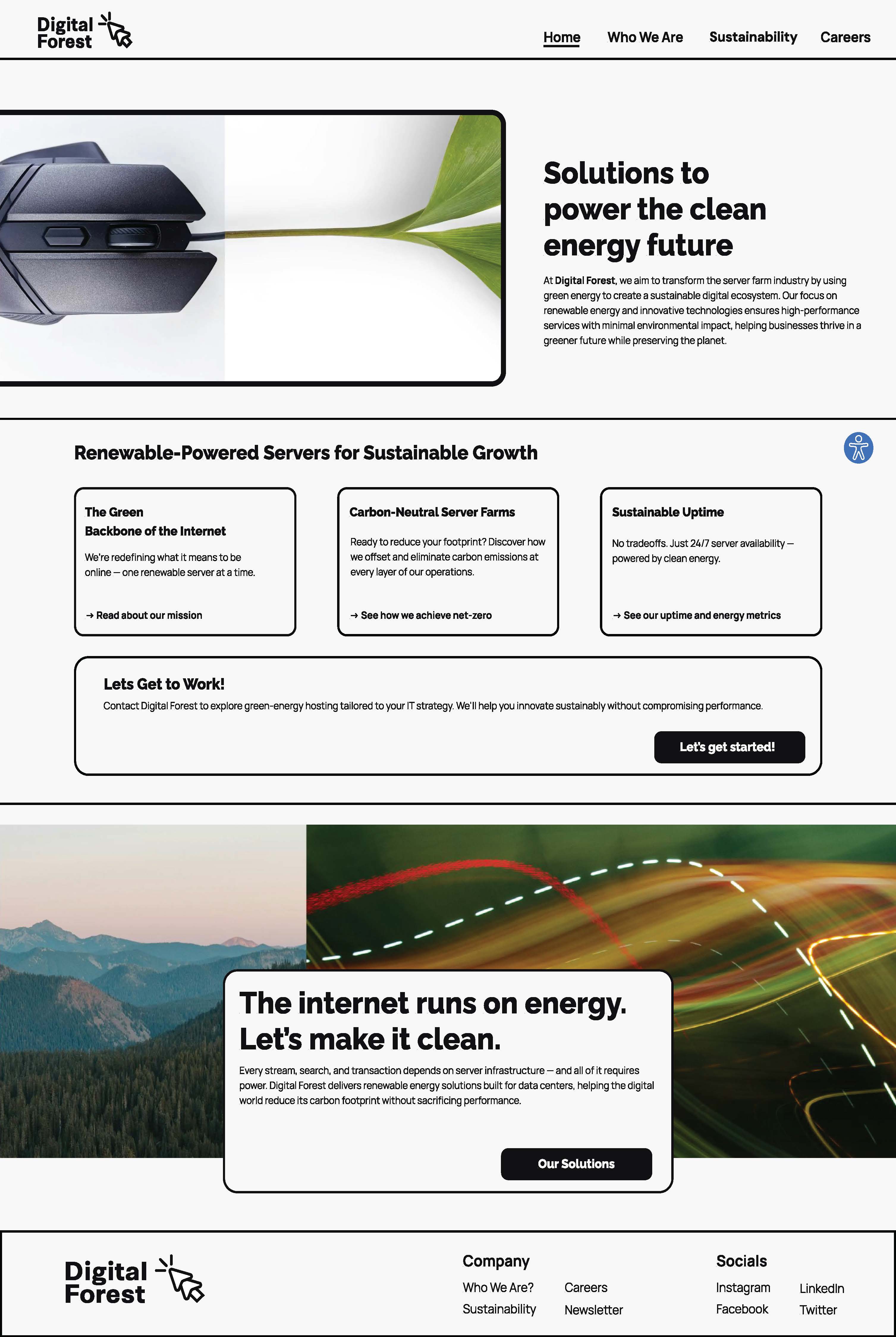
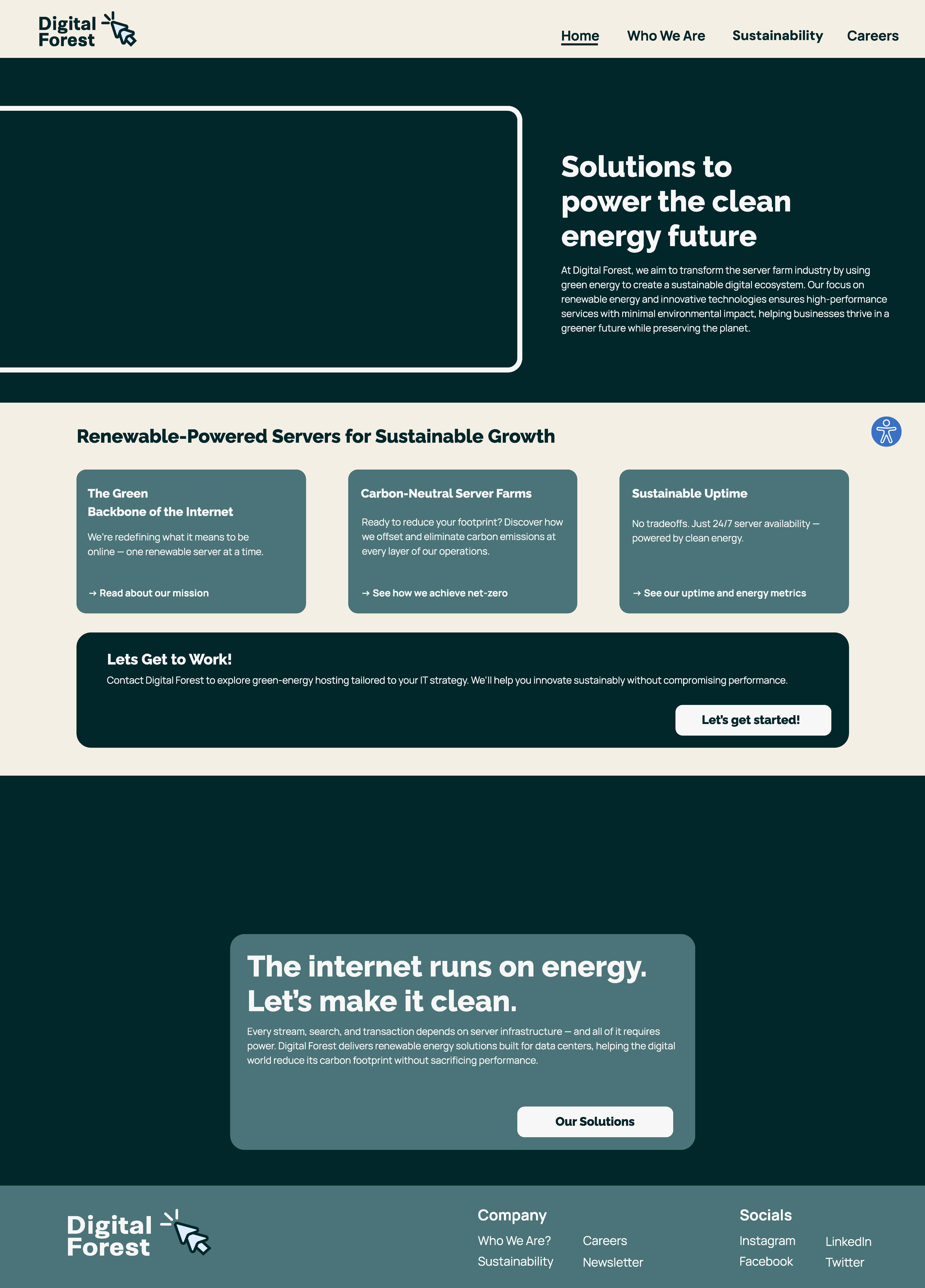
In addition, I conducted a competitive design audit by analyzing websites from companies in the green energy and hosting sectors—especially those with similar content structures to the one I was designing. I paid close attention to how they handled accessibility, layout, and content organization. This helped me compile a sort of “shopping list” of design patterns and features that could inform the structure of my own site. With this list in mind I was able to create an accessibility menu that users can interact with on any of the pages. The menu has features that change the contrast, saturation and color layouts for all the pages which could help accommodate for different types of color blindness. The menu also has buttons that can mute sounds, hide images, make fonts more readable, stop animations and highlight links.
Accessibility Focus
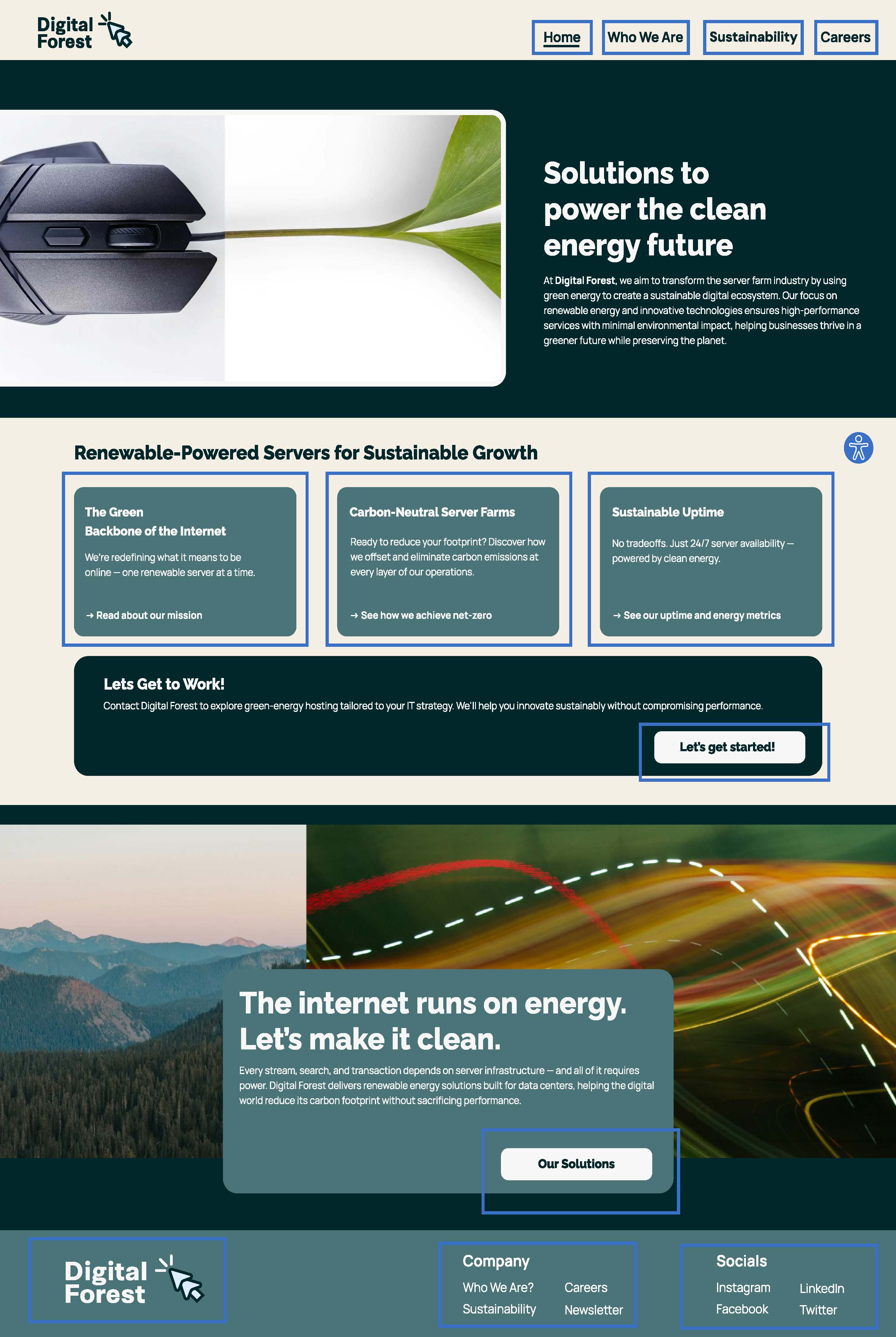
Accessibility remained a central priority throughout the design process. Key features were integrated to enhance usability for all users, such as clear visual hierarchy, keyboard navigation support, readable typography, and descriptive alternative text. Emphasis was placed on removing unnecessary visual clutter and ensuring intuitive interactions.
The Web Content Accessibility Guidelines (WCAG) served as a benchmark for design decisions. The site aims to meet at least Level AA compliance, ensuring sufficient contrast, scalable text, logical HTML structure, and compatibility with assistive technologies. The guidelines were not only referenced but directly applied to both the visual and structural aspects of the design.
Color contrast checks were performed using online tools to ensure readability and visual clarity. All text-background combinations were tested to meet at least WCAG AA compliance. Special attention was given to elements like buttons, links, and hover states to maintain contrast across different interactive states.
Atomic Design
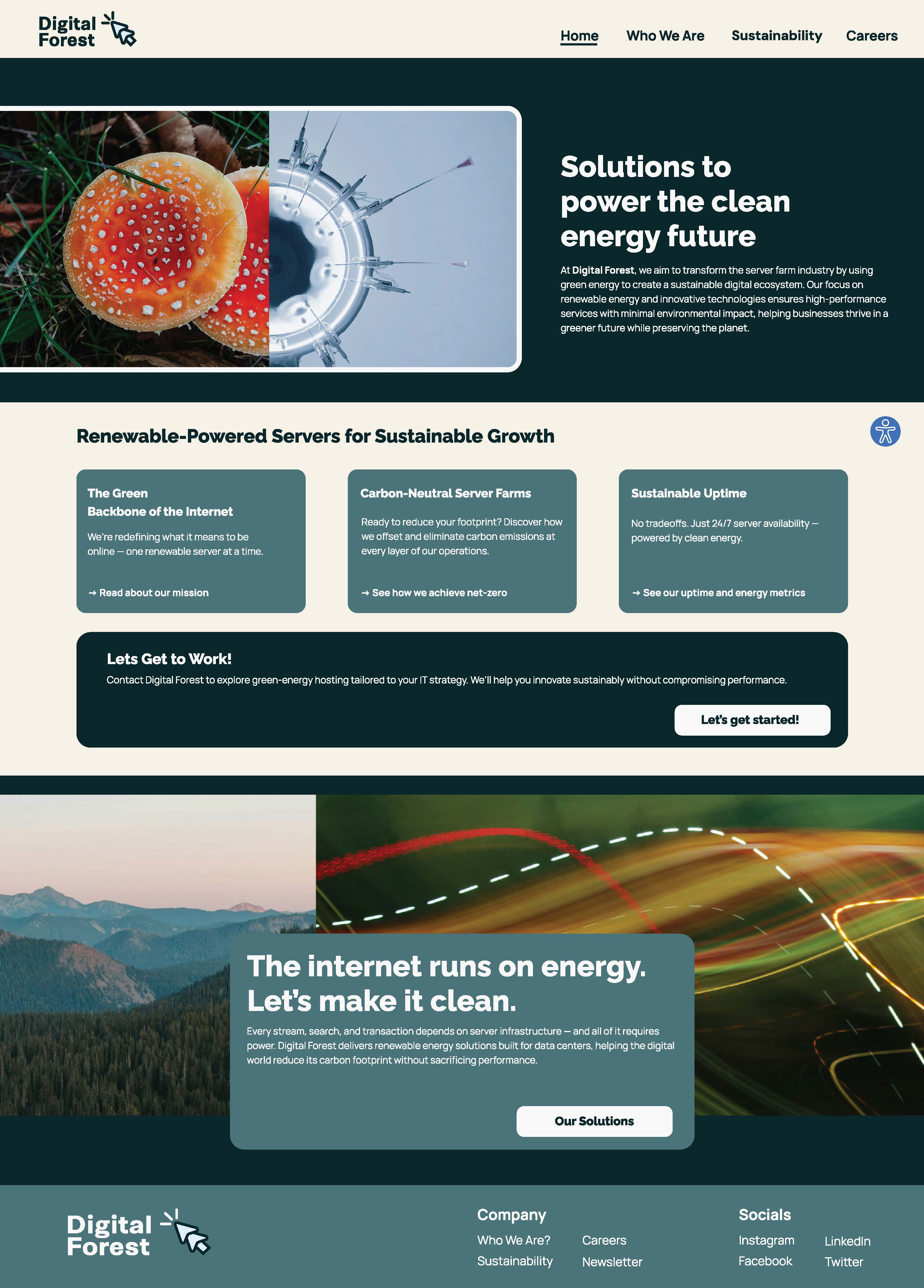
I organized the different components of the project using an Atomic Design framework, which breaks down the interface into structured elements like atoms, molecules, and organisms. This method helped create a clear, scalable foundation for the design system. The competitive audit I conducted functioned like a feature “shopping list,” guiding my decisions on which elements to include and where to place them—based on insights gathered from analyzing websites in the same industry.
Final Thoughts
This project deepened my understanding of accessible design, using a structured framework, and the importance of designing beyond visual aesthetics. While Digital Forest is a conceptual project, it reflects a real-world need for inclusive digital spaces. Accessibility is not an add-on but a core design principle that improves the experience for everyone.